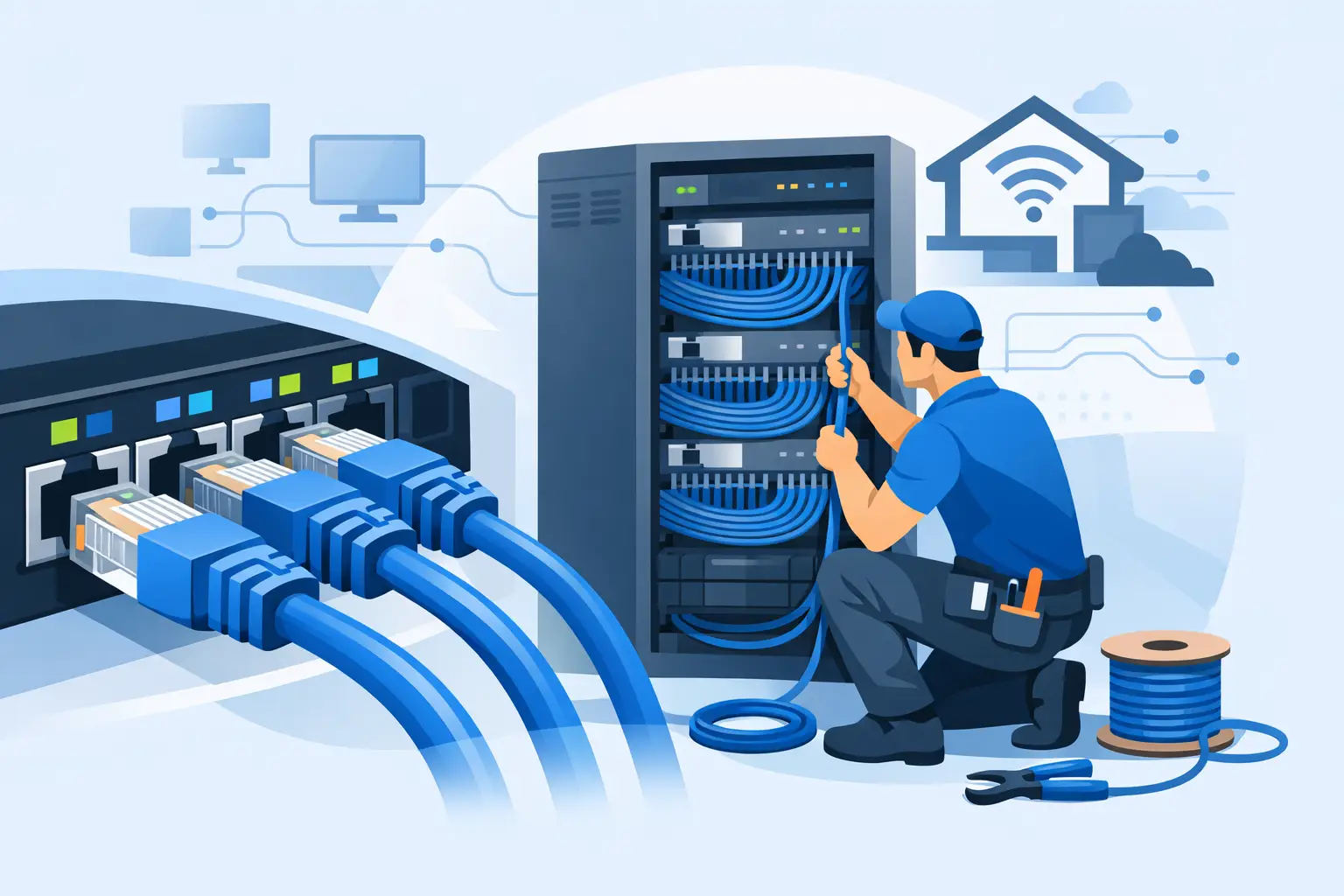
A slow or unreliable connection is not always an internet-provider problem. In offices, flats, homes and managed properties, the weak point is often the cable route, termination or old wiring hidden behind the walls. A properly planned Cat6 data cabling installation gives your network a dependable physical foundation for workstations, Wi-Fi access points, smart systems, CCTV, phones and connected devices.
Wireless has a place, but it cannot replace structured cabling where consistent speed, lower latency and dependable coverage matter. The right installation is not simply a case of pulling cable from one room to another. It requires sensible planning, suitable containment, careful termination and testing that proves each outlet will perform as intended.
What Cat6 Cabling Is Designed to Do
Cat6 is a twisted-pair copper data cable commonly used for structured network installations. It is suitable for Gigabit Ethernet over standard channel distances and can support higher speeds over shorter, correctly installed runs. For many homes and small-to-medium commercial premises, it offers a sensible balance between current performance, cost and future flexibility.
Each cable should run from a central point, usually a communications cabinet or patch panel, to an individual data outlet. This is known as a star topology. It means a fault at one outlet does not take down the rest of the network, and changes can be made at the cabinet rather than by disturbing cables throughout the building.
Cat6 should not be selected on the label alone. Cable quality, route length, bend radius, separation from power circuits and the standard of termination all affect the finished result. An excellent cable installed badly can still produce poor performance or intermittent faults.
Where a Cat6 Data Cabling Installation Makes Sense
For homeowners, wired data points are particularly useful behind televisions, at home-office desks, near wireless access points and in areas intended for smart home equipment. A hardwired connection can prevent a busy household from relying entirely on Wi-Fi for video calls, gaming, streaming and security cameras.
In commercial properties, structured Cat6 cabling supports desk locations, printers, VoIP phones, access control, CCTV, meeting rooms and network equipment. It also makes office layouts easier to adapt. Rather than running visible temporary leads or adding unreliable wireless extenders, staff can connect through clearly labelled outlets that return to one organised central cabinet.
Landlords and property managers may also benefit where communal Wi-Fi equipment, CCTV, door entry, office space or managed systems require a secure and maintainable network. The exact requirement depends on the property, tenant use and whether the network is supporting life-safety or security systems. These systems should be planned as part of the wider electrical and communications design, not treated as an afterthought.
Start With the Network, Not the Cable
The best installations begin with a site survey and a clear picture of how the building will be used. Before cable routes are agreed, consider where internet service enters the property, where the router, switch and patch panel will sit, and which rooms need fixed connections now and later.
A home renovation may only need a handful of outlets, but it is often worth adding spare points while walls and ceilings are open. The cost of installing a second cable to a useful location is usually far lower than returning once the room is decorated. In an office, the plan should account for desk density, meeting spaces, printer locations, ceiling-mounted access points and any equipment that may move as the business grows.
The cabinet location matters. It needs appropriate space, ventilation, access for maintenance and a suitable electrical supply. A cupboard that is difficult to reach or becomes excessively warm is not an ideal home for network switches, routers and associated equipment. Where equipment needs uninterrupted operation, power protection and the implications of a power cut should also be considered.
Routes, Containment and Separation From Power
Data cable needs protection from physical damage and interference. Cables may be installed in conduit, trunking, cable tray, ceiling voids or wall cavities, depending on the building structure and the required finish. The route should remain accessible where practical and should avoid sharp edges, crushing and unnecessary joints.
One of the most important considerations is separation from mains electrical wiring. Running data and power cables tightly alongside one another can introduce electrical interference, particularly over longer distances or where higher loads are present. The required separation depends on the installation method, screening arrangements and the electrical environment. A competent installer will assess the route rather than applying a one-size-fits-all rule.
Data cables should also be kept away from sources of heat, moisture and mechanical damage. In commercial settings, cable containment must be suitable for the environment, whether that is an office ceiling, warehouse area, plant room or retail unit. Fire-stopping is equally important wherever cables pass through fire-rated walls or floors. Openings must be reinstated correctly so the building's fire compartmentation is not compromised.
Termination Is Where Quality Shows
A network cable is only as good as its terminations. At the room end, Cat6 cable is normally terminated into an RJ45 data module within a faceplate or floor box. At the central end, it is terminated at a patch panel. Short patch leads then connect the patch panel to a network switch.
The twisted pairs inside the cable must be handled carefully. Untwisting too much cable, using the wrong wiring pattern or failing to seat conductors correctly can reduce performance. Every outlet should follow the same recognised wiring arrangement, with clear labels at both ends. This makes fault finding, future moves and day-to-day management considerably easier.
It is tempting to use plugs directly on solid-core installation cable or to conceal loose cables behind furniture. That may appear to work initially, but it is not the standard expected of a fixed structured cabling system. Proper modules, patch panels, containment and strain relief provide a safer, tidier and more serviceable result.
Testing Should Be Part of the Installation
A cable that shows a basic connection is not automatically a cable that will perform properly under load. Professional testing checks more than continuity. It can identify crossed pairs, split pairs, excessive length, poor termination and performance issues that may affect speed or reliability.
For a larger project, test results should be recorded and handed over alongside a clear labelling schedule. This documentation is valuable when a new tenant moves in, IT equipment is changed, or a future contractor needs to trace an outlet quickly. It also gives the property owner evidence that the installation has been checked rather than simply installed and assumed to be working.
Testing is particularly worthwhile where cabling will be hidden in finished walls, under floors or above ceilings. Discovering a fault after decoration or fit-out is complete is disruptive and avoidable.
Cat6, Cat6a or Fibre: Which Is Right?
Cat6 is often the practical choice for standard residential and office networks. However, it is not always the right answer. Cat6a is designed for more demanding 10 Gigabit applications across longer channel distances, though it is thicker, less flexible and can take more space in containment. It may be sensible for new commercial fit-outs, high-performance server rooms or installations where long-term network demand is expected to rise.
Fibre optic cabling may be more appropriate between separate buildings, across long distances or in electrically noisy environments. It can also be useful where greater capacity is required. The best option depends on the building layout, equipment, budget and likely future use. Installing the most expensive cable without a reason is not necessarily good value, but selecting too little capacity can be costly to correct later.
A practical approach is to install Cat6 or Cat6a to outlets while allowing suitable routes or ducting for future upgrades. Empty conduit and sensible access points can be as valuable as the cable installed on day one.
Planning a Clean, Maintainable Finish
A quality cabling installation should look organised as well as perform well. Faceplates should be positioned logically, cabinet cables should be dressed neatly, and every port should be labelled consistently. In a workplace, a simple outlet numbering system can save substantial time when staff report a connection issue.
The final handover should make clear what has been installed, where the central equipment is located, and which outlets correspond to which patch-panel ports. If the project includes Wi-Fi access points, CCTV, door entry or other powered network devices, the switch capacity and Power over Ethernet requirements should be confirmed before equipment is purchased.
For properties across Greater London and Kent, PG Electrical can assess the building, plan sensible routes and deliver Cat6 cabling as part of a wider electrical, refurbishment or commercial fit-out project. The aim is straightforward: a tidy, tested installation that supports the way the property works now without making future changes unnecessarily difficult.
When cabling is planned before walls are closed, furniture is fitted or tenants move in, it becomes one of the simplest ways to make a property more reliable, adaptable and ready for the equipment it will need next.